

Keep each source file unchanged, then build a separate index that groups useful passages by condition and evidence role. Organization should make the record easier to verify without changing the underlying medical document.
The goal is not one giant “evidence PDF.” It is a system that lets you find the source again.
Step 1: preserve the originals
Save the downloaded VA record, service treatment record, private-provider export, imaging report, and other source files as received. Do not highlight, crop, reorder, or rename the only copy.
Create a working copy if you need annotations. Keep the source date and provider in the filename, for example:
2026-06-12-va-blue-button-full.pdf
2025-11-03-private-orthopedics-records.pdf
The filename describes the source. It does not claim what the file proves.
Step 2: create a source inventory
| Source ID | File | Date range | Pages | Coverage note |
|---|---|---|---|---|
| VA-01 | VA Blue Button full export | 2021 to 2026 | 642 | VA care only; check missing scanned documents |
| PR-01 | Private orthopedics | 2024 to 2025 | 86 | Includes imaging reports |
| STR-01 | Service treatment record | 2008 to 2014 | 311 | Some pages faint |
Record unreadable pages, missing date ranges, duplicate exports, and records requested but not received.
Step 3: index by condition and evidence role
Use a table rather than copying records into separate stories:
| Condition | Evidence role | Source and page | Date | What the passage documents | Limit |
|---|---|---|---|---|---|
| Lumbar spine | Service event | STR-01 p. 144 | 2011-06-04 | Clinic visit after lifting injury | No imaging at that visit |
| Lumbar spine | Current diagnosis | PR-01 p. 28 | 2025-03-09 | Specialist assessment | Does not give nexus opinion |
| Lumbar spine | Competing fact | VA-01 p. 402 | 2024-08-12 | Later fall reported | Extent of injury unclear |
Useful evidence roles include current diagnosis, service event, symptom timeline, treatment, functional effect, medical connection, severity, competing evidence, and missing information.
If the index is for a clinician, what medical records a clinician should review for a nexus letter describes the smaller packet to pull from it.
Step 4: preserve page references
Write the page number shown in the PDF viewer and, when useful, the printed page number inside the document. Large exports can use different numbering systems. Be explicit: “PDF page 402, note page 3 of 5.”
When quoting, capture enough surrounding text to preserve meaning. Keep author, facility, date, note type, and any addendum.
Step 5: separate findings from gaps
Use two lists:
Located: records actually found in the reviewed set.
Not located: material you expected but did not find in that set.
Do not write “the record does not exist” when you only know it was not located in the files reviewed. That wording matters when the export may be incomplete.
Step 6: avoid duplicate submission by default
Organization is for understanding and retrieval. It does not automatically mean every page should be uploaded again. Check what VA already has, what the current process requests, and the official submission instructions. A duplicate file can be new to your folder without being new evidence to VA.
VA evidence requirements describes the supporting evidence VA may need. The decision or request letter controls the immediate task.
Step 7: protect the files
Medical records contain sensitive information. Use storage you control, limit sharing, and avoid placing full records in general-purpose public tools. VA notes that people who download or print records are responsible for protecting them. See VA online medical records.
Use an analysis report beside the originals
Raven Scan can review PDFs of VA Blue Button reports, service treatment records, and private records. It produces documented conditions, symptoms, treatment history, supporting passages, page references, and follow-up questions, plus a shorter Claim Review Brief. It also shows reading and coverage limits.
Keep the report beside, not instead of, the source records. Raven Scan is currently a Plus feature; Deep Review and full C-file analysis are separate purchases. It does not file evidence with VA.
Start with how to get VA medical records if the file is incomplete. Use how to find supporting evidence in your records for the search method that feeds this index.
Sources and scope
Reviewed September 20, 2026: VA online medical records; VA evidence requirements; Raven Scan product page.
 How to Find Supporting Evidence in Your VA Medical Records
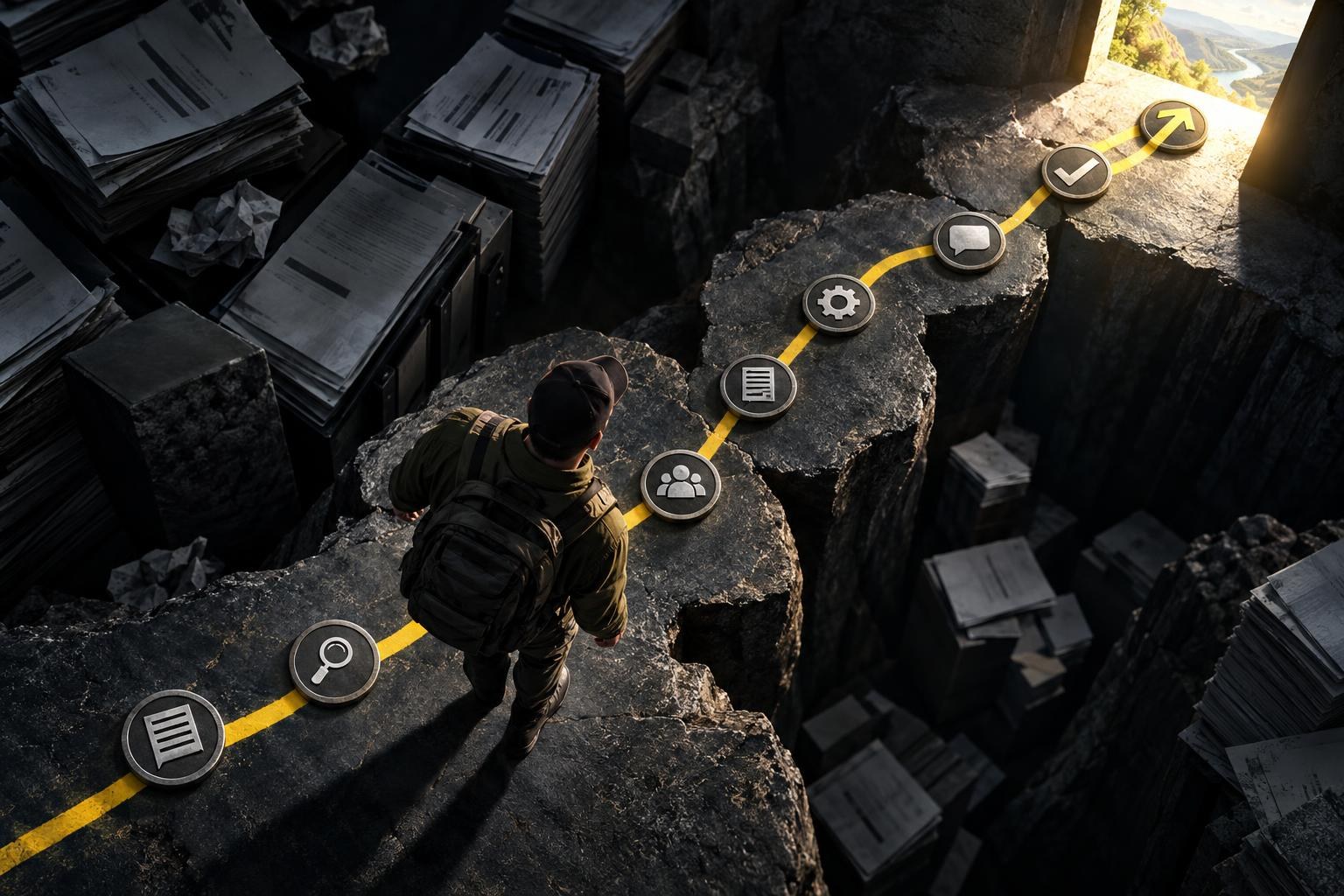 How to Track Your VA Claim: Status, Requests, and Next Steps
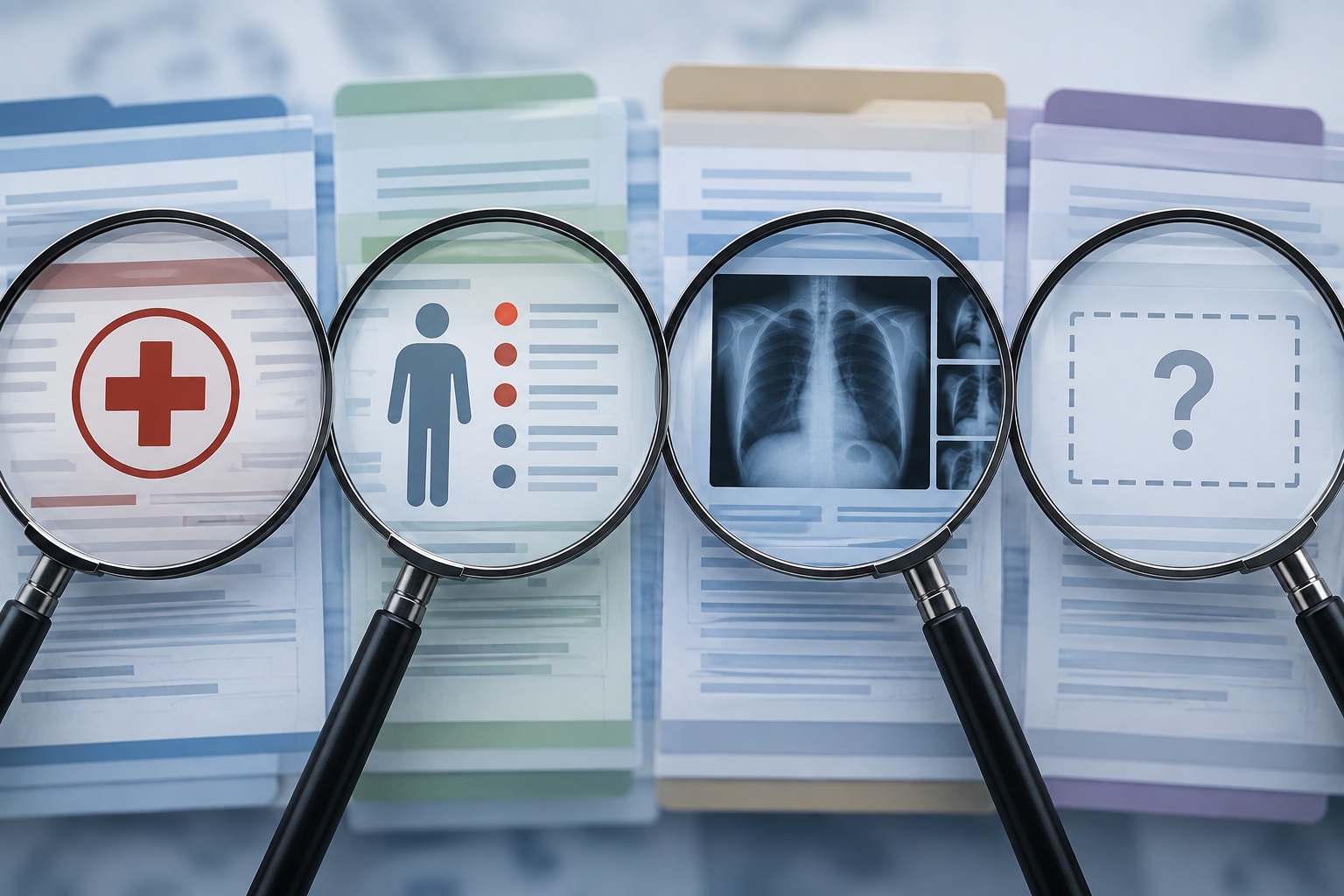 VA Claim Denied for No Current Diagnosis: Check the Record Before Adding More